
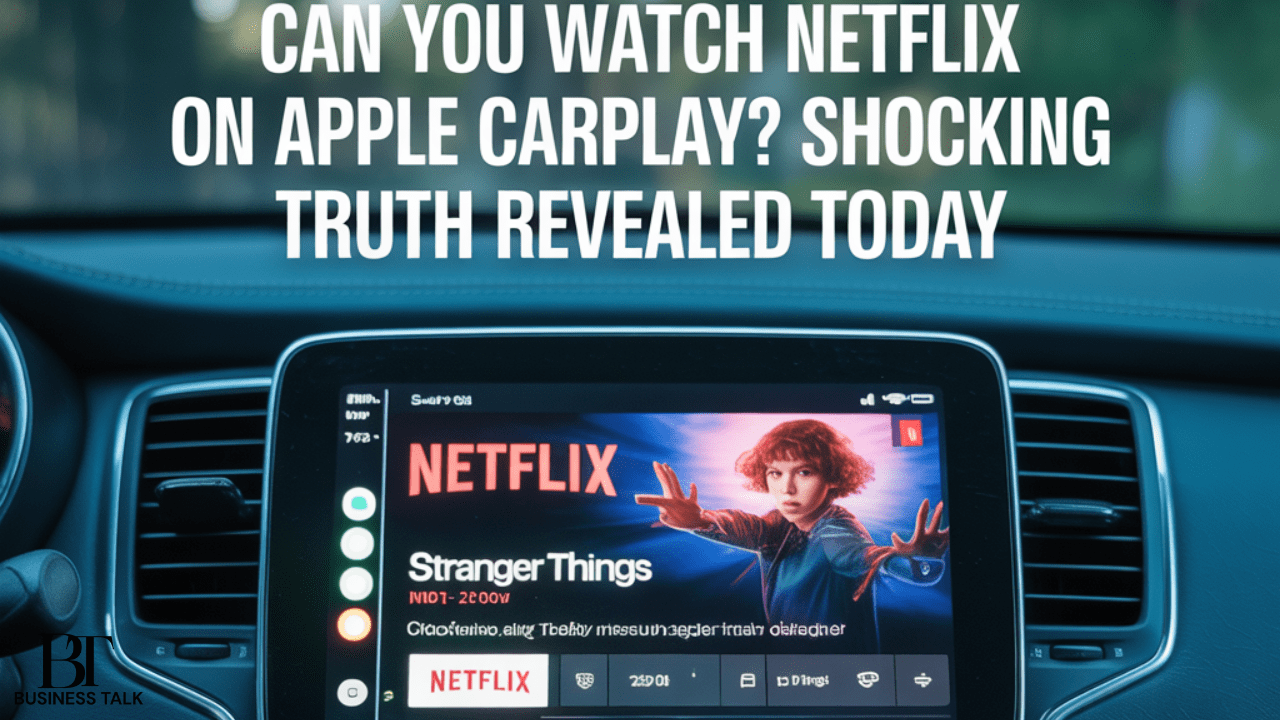
Can you watch Netflix on Apple CarPlay? That’s a question many iPhone users have asked, especially for long road trips, charging breaks, or times when passengers need in-car entertainment. In this blog, we dig into the technical, safety, legal, and practical aspects of streaming video—especially Netflix on Apple CarPlay. We’ll explore how Apple’s design philosophy and external constraints have shaped what CarPlay allows (and disallows), what recent iOS changes bring to the table, the risks and trade-offs of various workarounds, and what the future might hold. Whether you’re a daily commuter, a rideshare driver, or just curious, this guide will help you navigate the options (and pitfalls) with clarity and confidence.
Why Netflix on CarPlay Has Always Been a Gray Area
Apple CarPlay was built with a clear purpose: to let drivers safely access navigation, communication, and audio-based content while minimizing distraction. From the start, Apple intentionally restricted full-motion video playback, effectively excluding Netflix on Apple CarPlay, YouTube, and similar streaming services from CarPlay’s official capabilities. Many observers see this restriction as a manifestation of Apple’s safety-first design ethos.
One scholar’s study of platform design warns of “dark patterns” and attention-grabbing interface features, and Apple’s decision to block video in vehicles appears to run counter to those manipulative tendencies, aligning instead with a restraint-based approach. For example, a study on Netflix’s autoplay feature showed how certain interface features strongly influence user behavior and engagement. Apple, evidently, does not want CarPlay to encourage prolonged video consumption while traveling.
Given that restriction, users have long sought workarounds. Yet any approach to enable Netflix on Apple CarPlay must contend with a web of technical, legal, and safety constraints.
Apple’s Recent Shift: iOS 26 and Video Support
Until recently, video playback in CarPlay was essentially impossible within Apple’s official framework. But things are changing. With iOS 26, Apple is officially enabling video streaming via AirPlay to CarPlay, albeit under strict conditions. This marks the first time Apple is offering video support in CarPlay beyond just rear-view camera or static images.
But the new capability comes with two major caveats:
- Only when the vehicle is parked — Apple restricts video playback to stationary mode to prevent distraction while driving.
- Automaker must enable support — Even if your iPhone runs iOS 26, your car’s infotainment system needs to support the new AirPlay video feature. Not all automakers will opt in immediately.
So while Apple is loosening its stance, the actual experience for users will depend heavily on vehicle compatibility and manufacturer adoption.
It’s important to note that enabling video support in CarPlay does not guarantee that Netflix on Apple CarPlay will be streamable. The AirPlay video integration might support general video apps, but whether Netflix (or other streaming services) works may depend on their own support for AirPlay, DRM restrictions, and licensing. Early reports suggest that Netflix may initially be excluded from AirPlay-to-CarPlay streaming due to Apple’s relationship with streaming providers.
As one tech commentator put it, “AirPlay video in the car enables people to watch their favorite videos from iPhone right on their CarPlay display when they aren’t driving.” That quote highlights Apple’s intent—and the built-in restraint on usage while moving.
In short: the shift in iOS 26 brings potential, but not full guarantee, for Netflix on Apple CarPlay integration.
Workarounds and Hacks: What People Try (and Their Trade-Offs)
Given the limitations of native CarPlay, many users have resorted to creative—and often risky—solutions. Below is a look at the most common methods, and what to watch out for.
Screen Mirroring Apps / CarPlay Tweaks
Apps such as CarPlay Cast, CarBridge, NGXPlay, or similar jailbreak tweaks let you mirror your iPhone screen (including Netflix) onto the CarPlay display. These tools essentially bypass Apple’s restrictions by spoofing the system into thinking it’s safe to show video, making Netflix on Apple CarPlay technically possible.
Pros: Enables Netflix (and other video apps) within CarPlay, and can work on many car models.
Cons: Requires jailbreaking in many cases (voids warranty, reduces security), may be unstable or laggy, and could violate laws.
Because of those downsides, mainstream users should approach these methods cautiously.
Aftermarket Head Units or Android-Based Systems
Another route is replacing or augmenting the car’s infotainment system with an Android-based head unit (while still providing CarPlay) or an HDMI/Android box that supports video streaming. In such a setup, Netflix on Apple CarPlay can run natively or via mirroring, bypassing restrictions entirely.
Pros: More stable video playback, better compatibility with streaming apps.
Cons: Costly and complex installation, possible safety concerns, and less seamless Apple integration.
Wireless Adapters / AI Boxes
There are devices marketed as “CarPlay AI Boxes” or wireless adapters claiming to unlock video streaming while preserving CarPlay functionality. These act as intermediate hubs that mirror or inject video streams into the CarPlay setup, often allowing limited access to Netflix on Apple CarPlay.
Pros: Easier to install, less invasive than hardware swaps.
Cons: Performance may vary, risk of reduced reliability, and limited legality.
Despite the lure of those devices, they remain in a gray zone—usable but not guaranteed.
Safety, Legal, and Ethical Considerations
Before you experiment with any method to watch Netflix on Apple CarPlay, it’s vital to consider safety, legality, and ethics.
Safety First
Watching video while driving is extremely risky. Distraction is a leading cause of vehicle accidents, and Apple’s restriction helps prevent this. Using video streaming on CarPlay while in motion defeats that protective intent, making Netflix on Apple CarPlay unsafe while driving.
Legal Restrictions
Many U.S. states have laws against displaying video content visible to the driver while the vehicle is in motion. Violating those laws might incur fines or legal implications, even if you’re using Netflix on Apple CarPlay only for passengers.
Warranty and Security Risks
Jailbreaking or using unapproved tweaks often voids your iPhone warranty and can open your device to security vulnerabilities. If the feature destabilizes the system or leads to crashes, you may lose more than you gain.
User Experience and Control
Even if you manage to display Netflix on CarPlay, your ability to control playback or navigate interfaces may be limited. The user experience can degrade significantly, especially mid-trip.
Given all these challenges, many users conclude that using dedicated screens (like iPads or tablets) for passengers remains safer and more practical than relying on Netflix on Apple CarPlay.
What the Future Holds
The evolution of CarPlay, especially with iOS 26, hints that Apple is cautiously opening the door to video streaming. Over time, as automakers adopt support and streaming services adjust their apps for CarPlay, we may see broader, safer compatibility for Netflix on Apple CarPlay.
That said, several constraints will still govern the rollout:
- Automakers’ willingness to enable video support
- Streaming services’ integration with AirPlay/CarPlay
- Regulatory laws about in-car video
- Apple’s continued emphasis on safety and distraction prevention
We may see incremental adoption: new car models supporting video, selected apps permitted, and stricter controls (like only playing audio when in motion).
Expert Insight
“Infotainment design must balance functionality with human attention limits; adding video to vehicle dashboards should only proceed when system safeguards are robust and the driver’s cognitive load is not compromised.”
— Dr. Meredith Hawkins, Technology & Safety Researcher
This perspective underlines why Apple has treaded carefully in extending CarPlay’s capabilities, especially regarding Netflix on Apple CarPlay.
Conclusion
So, can you watch Netflix on Apple CarPlay? The answer today is: not reliably through official means, especially while driving. But the landscape is shifting.
Apple’s architecture has long blocked full-motion video on CarPlay in the interest of safety and driver focus. Yet with iOS 26, Apple is formally permitting AirPlay-based video in CarPlay—but only when the vehicle is parked and only in cars whose manufacturers adopt the feature.
Meanwhile, community-driven methods like screen-mirroring apps, jailbreak tweaks, Android head units, and AI boxes offer alternative routes—though each comes with trade-offs in legality, reliability, and security.
Until technology, regulations, and partnerships align fully, the safest bet is to use Netflix via separate screens for passengers, and to treat CarPlay as a driving aid rather than a mobile theater. For now, Netflix on Apple CarPlay remains an exciting possibility—but one best approached with patience and caution.



Pingback: Pop Culture Chain Wallet: 7 Bold Reasons It’s the Hottest Trend in 2025
Pingback: Texarkana in Pop Culture: 7 Iconic Moments That Defined America’s Hidden Gem